
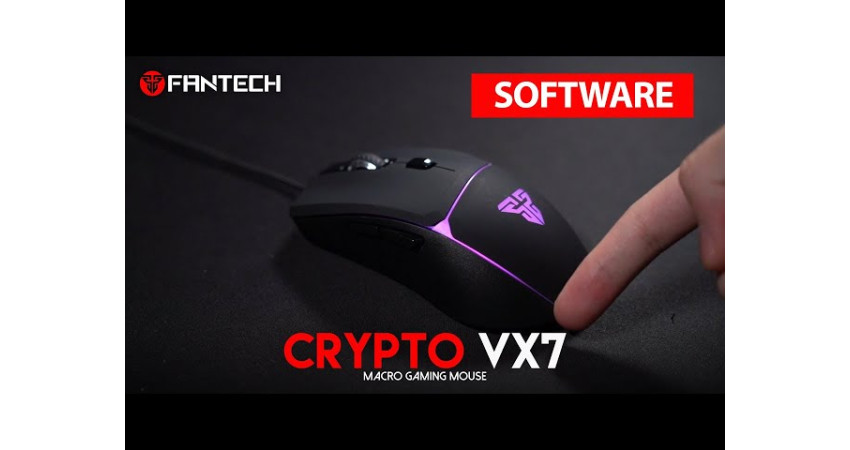
Fantech Crypto VX7 Software
For gamers, a reliable gaming mouse makes all the difference. The Fantech Crypto VX7 is designed with comfort, RGB lighting, and adjustable DPI to enhance your gameplay. But to unlock its full potential, you need the Fantech Crypto VX7 Software.
Why Do You Need the Software?
With this software, you can:
- Customize DPI settings
- Change RGB lighting modes
- Create and assign Macros
- Boost overall gaming performance
Fantech Crypto VX7 Software Download
We’ve made it simple for you to get started.
Download Link: Fantech Crypto VX7 Software
How to Install
- Download the software from the link above.
- Open the installer file and click Install.
- Once the installation is complete, launch the software.
- Connect your Fantech Crypto VX7 mouse and start customizing.
Frequently Asked Questions (FAQ)
Q: Does this software work on Windows 10/11?
Yes, it supports Windows 7, 8, 10, and 11.
Yes, it supports Windows 7, 8, 10, and 11.
Q: Can I use this software without the Fantech Crypto VX7 mouse?
No, it only works with the VX7 model.
No, it only works with the VX7 model.
Q: Is the software free?
Yes, the Fantech Crypto VX7 Software is completely free to download and use.
Yes, the Fantech Crypto VX7 Software is completely free to download and use.
Conclusion
If you want to take your gaming experience to the next level, the Fantech Crypto VX7 Software is a must-have. Download it today and customize your mouse exactly the way you like it.
There are no comments for this Article.